Live world map
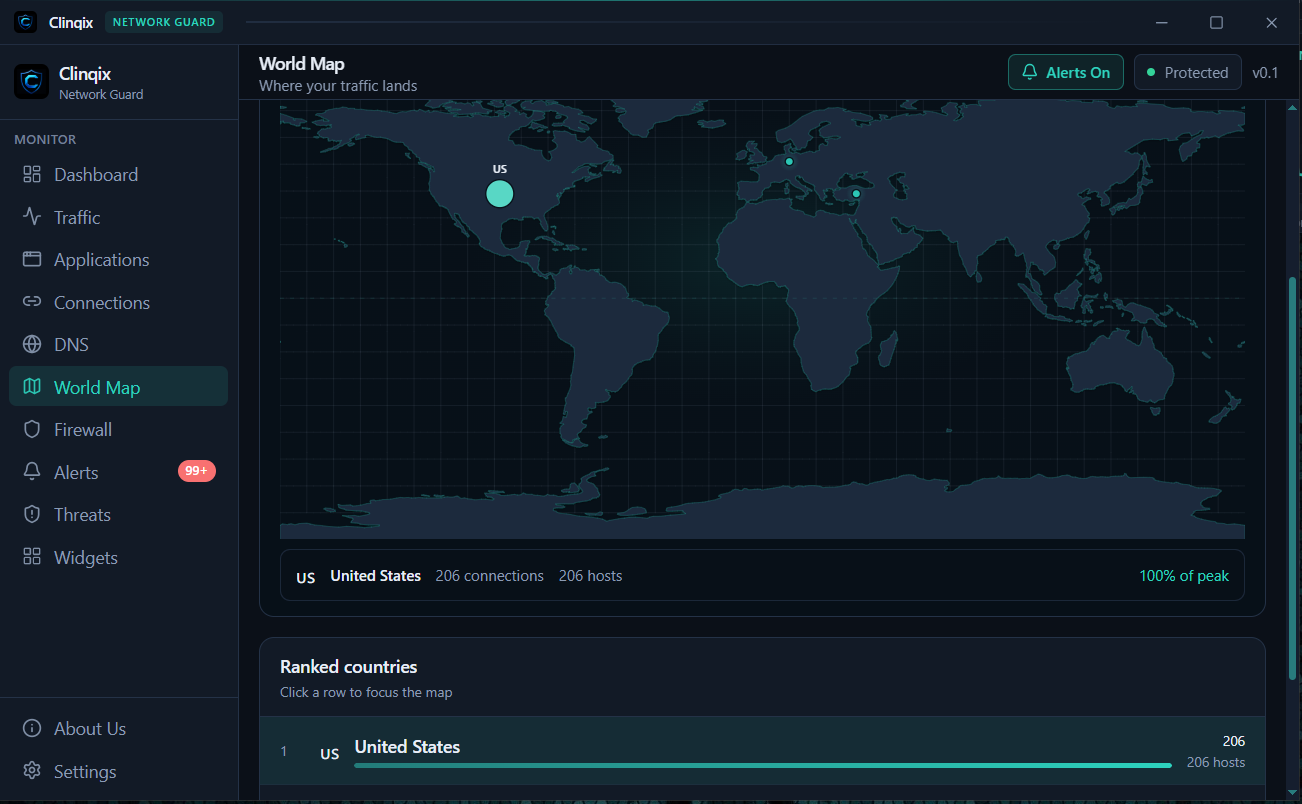
Watch outbound traffic land on a world map in real time. A connection to a country you don't recognize stands out immediately — no digging through logs.
 CLINQIX
Download
CLINQIX
Download
Free · Windows · Network Security
Clinqix watches your network in real time — every app, every destination, every byte in and out. Live bandwidth graphs, an app-level firewall, instant threat alerts, and a world map of where your traffic actually goes.
Real interface
Every screenshot below is the live Clinqix app, unedited.
What it does
A complete network monitor and app firewall for Windows — built to be fast, clear, and always on.
Watch outbound traffic land on a world map in real time. A connection to a country you don't recognize stands out immediately — no digging through logs.
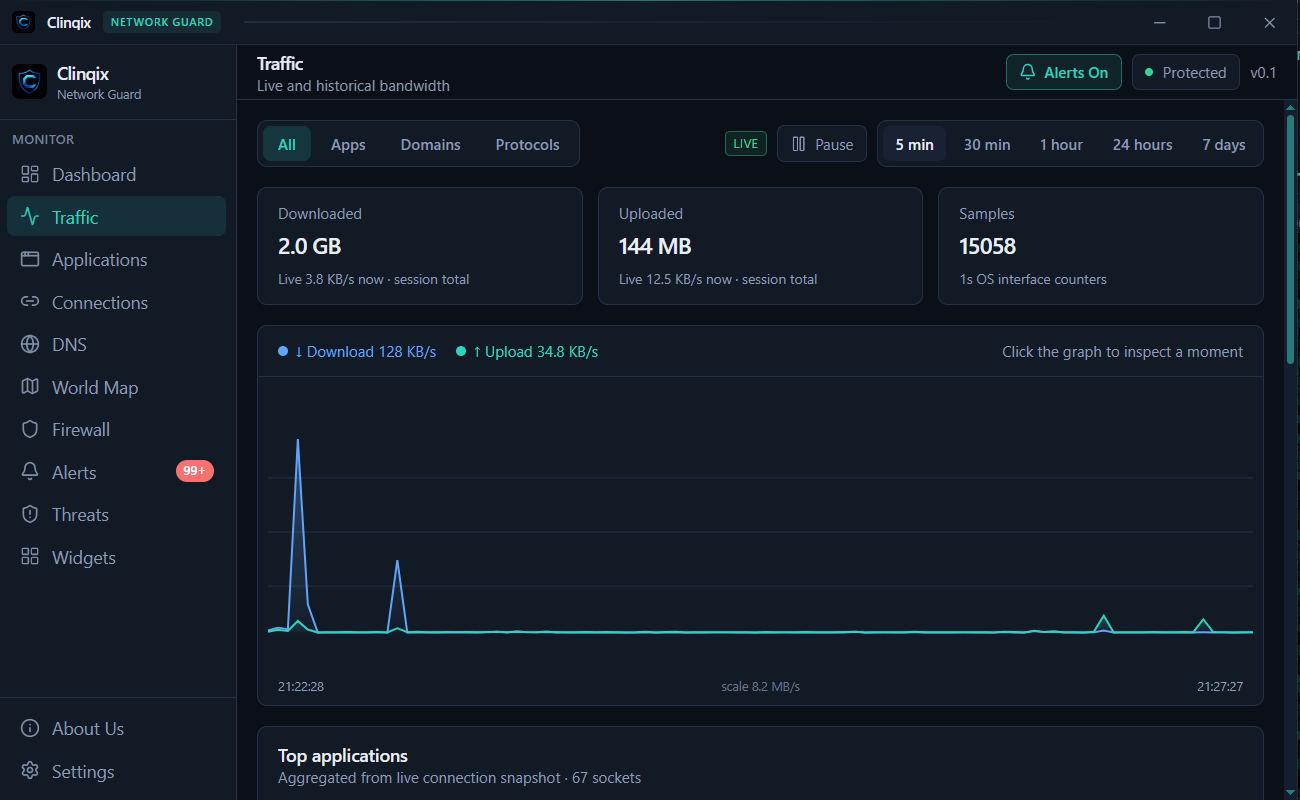
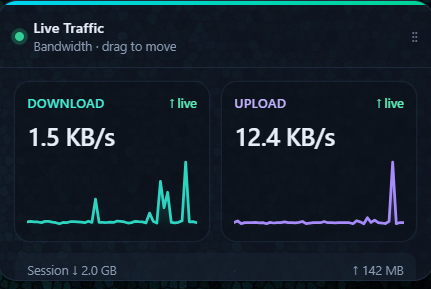
Live download and upload speed, session totals, and historical graphs down to the second.
Allow, block, or ask — per application, enforced by Windows itself, not just by the interface.
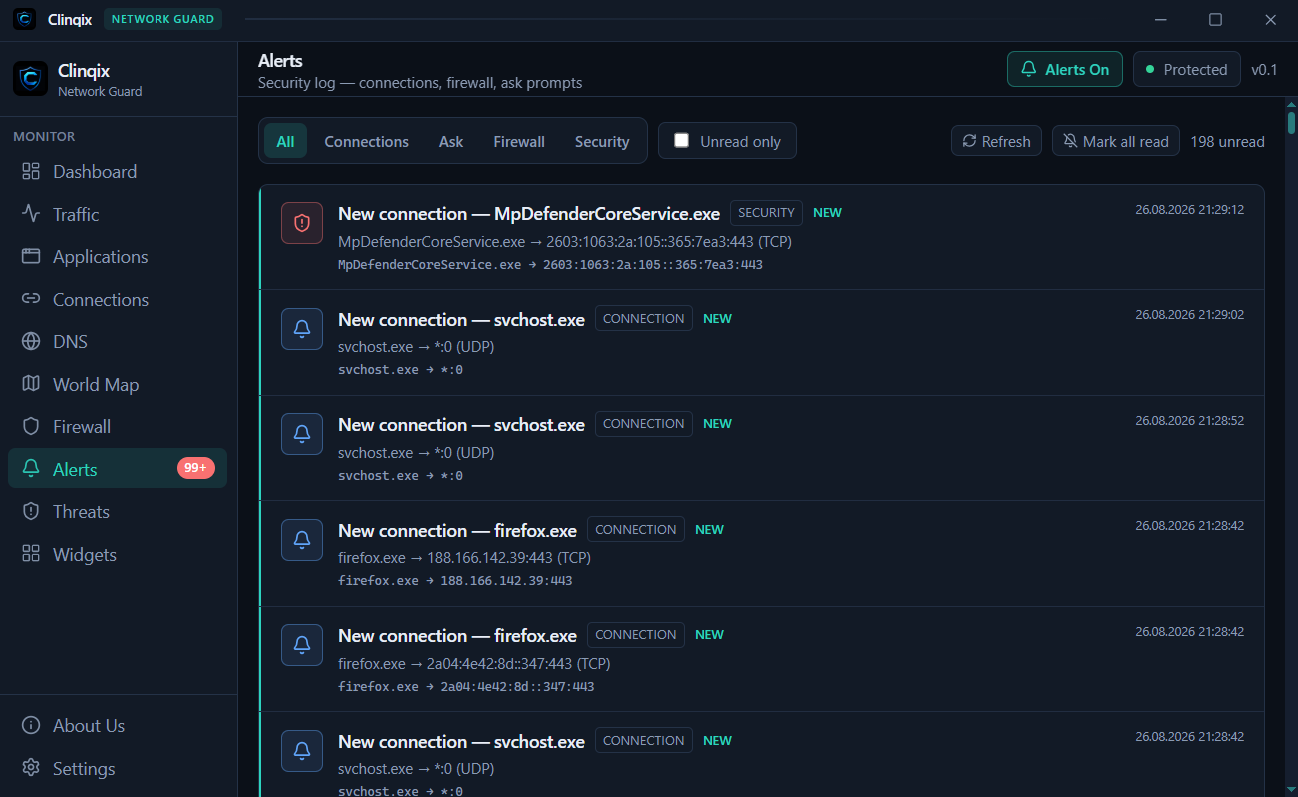
Get notified the moment a new connection, unfamiliar process, or known threat shows up.
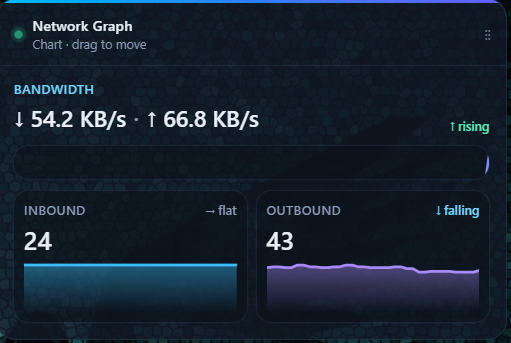
Traffic graphs and a security pulse that live on your desktop — not on top of the windows you're using.
Questions
Yes. Clinqix is free to download and use on Windows, with no account required to get started.
Clinqix adds a visual, app-level layer on top of Windows: you see every connection and choose to allow, block, or be asked about it, with rules enforced at the system level.
No. Clinqix is built to run continuously in the background with a small footprint, using lightweight desktop widgets instead of one heavy always-open window.
Clinqix focuses on a clean, fast interface: a live world map of your traffic, desktop widgets that stay out of your way, and instant alerts on new connections — without a bloated setup.
Yes — Clinqix keeps itself up to date automatically, so you're always running the latest, most secure version.